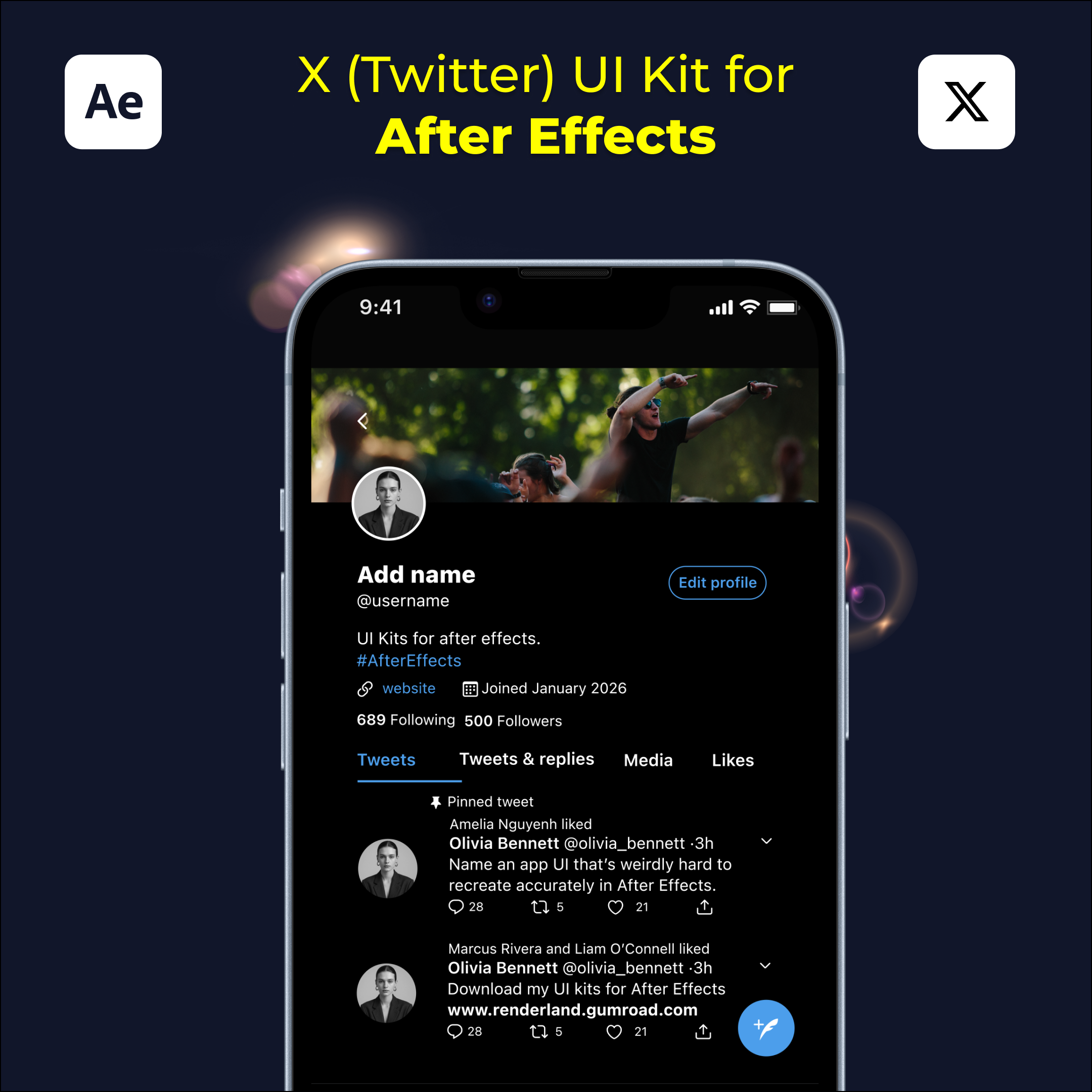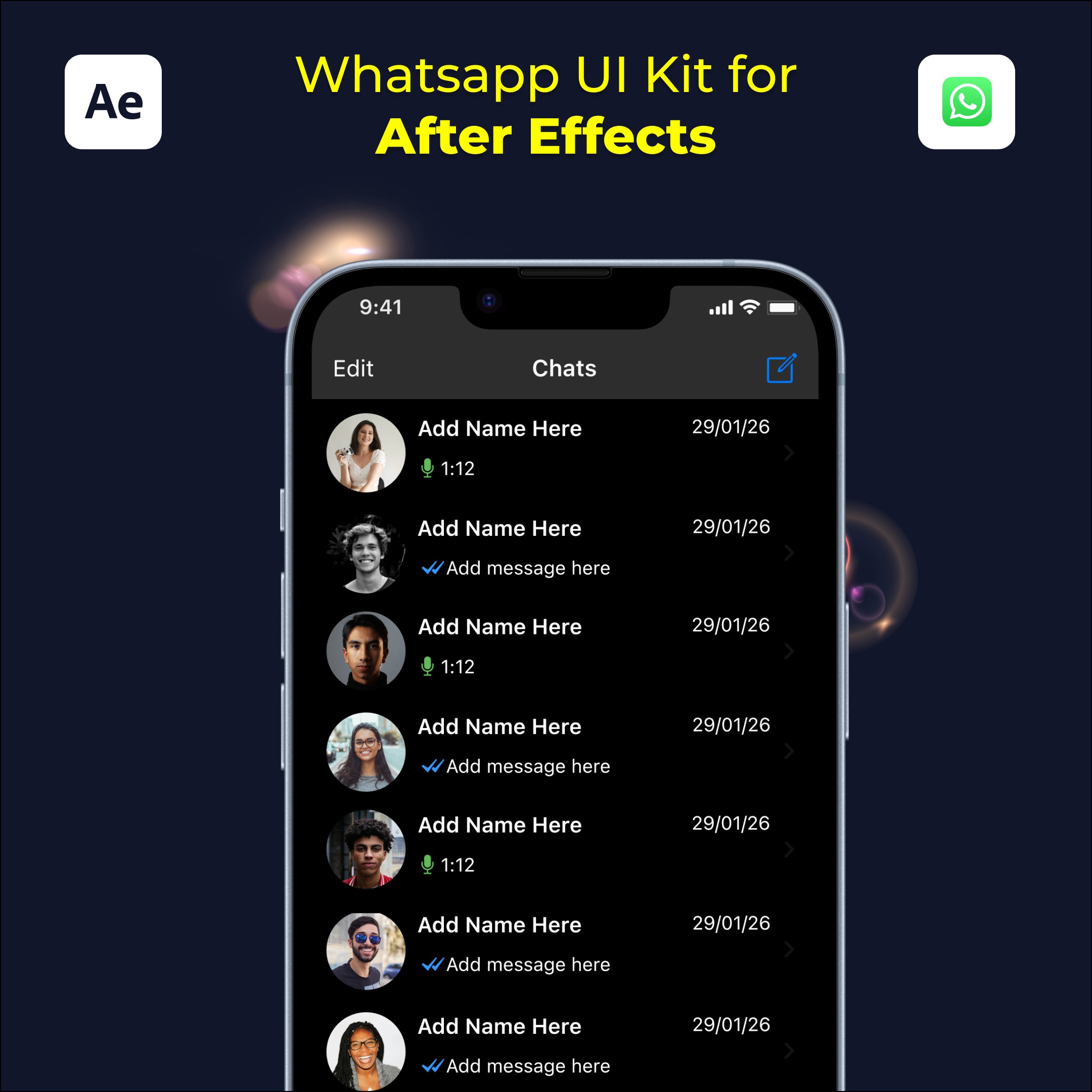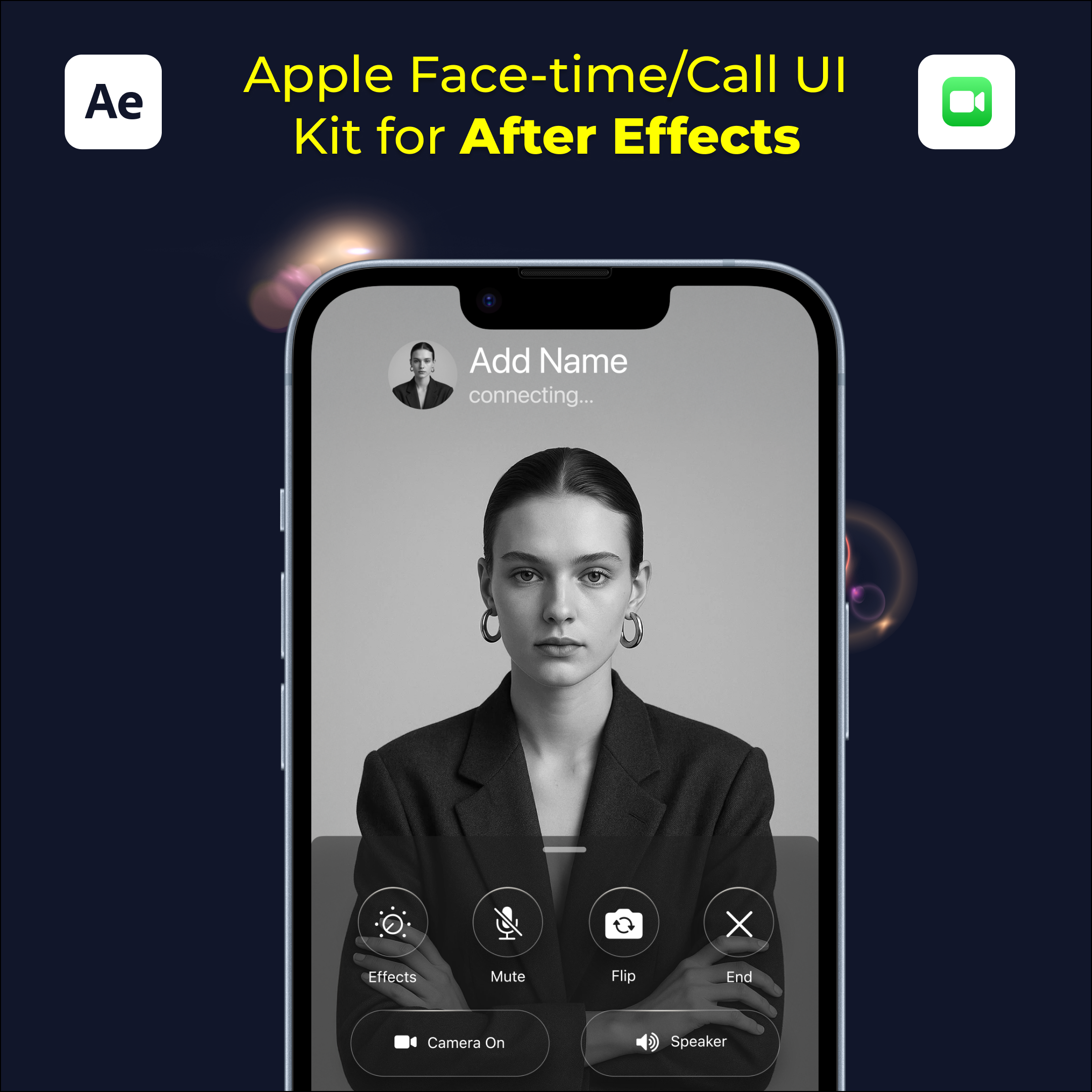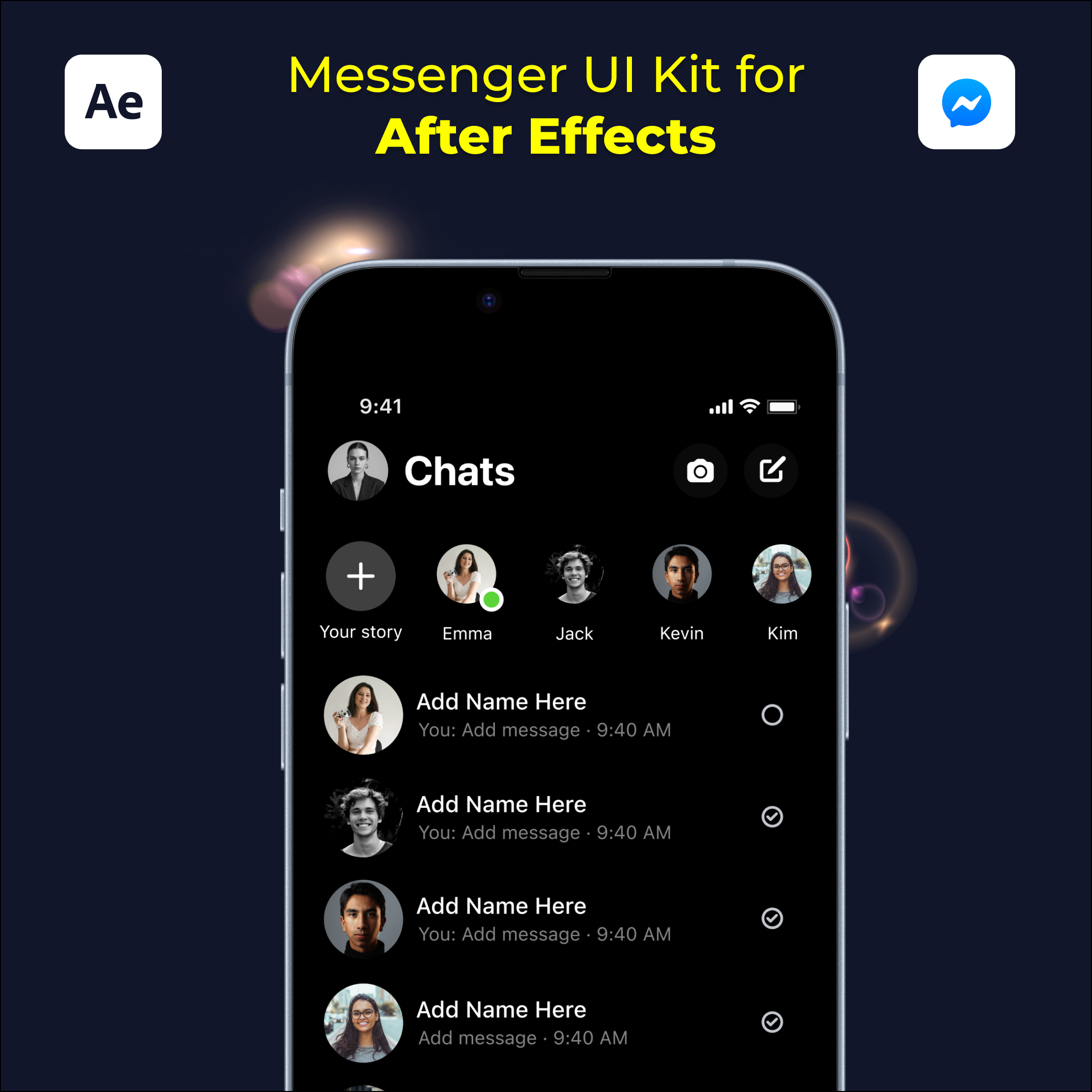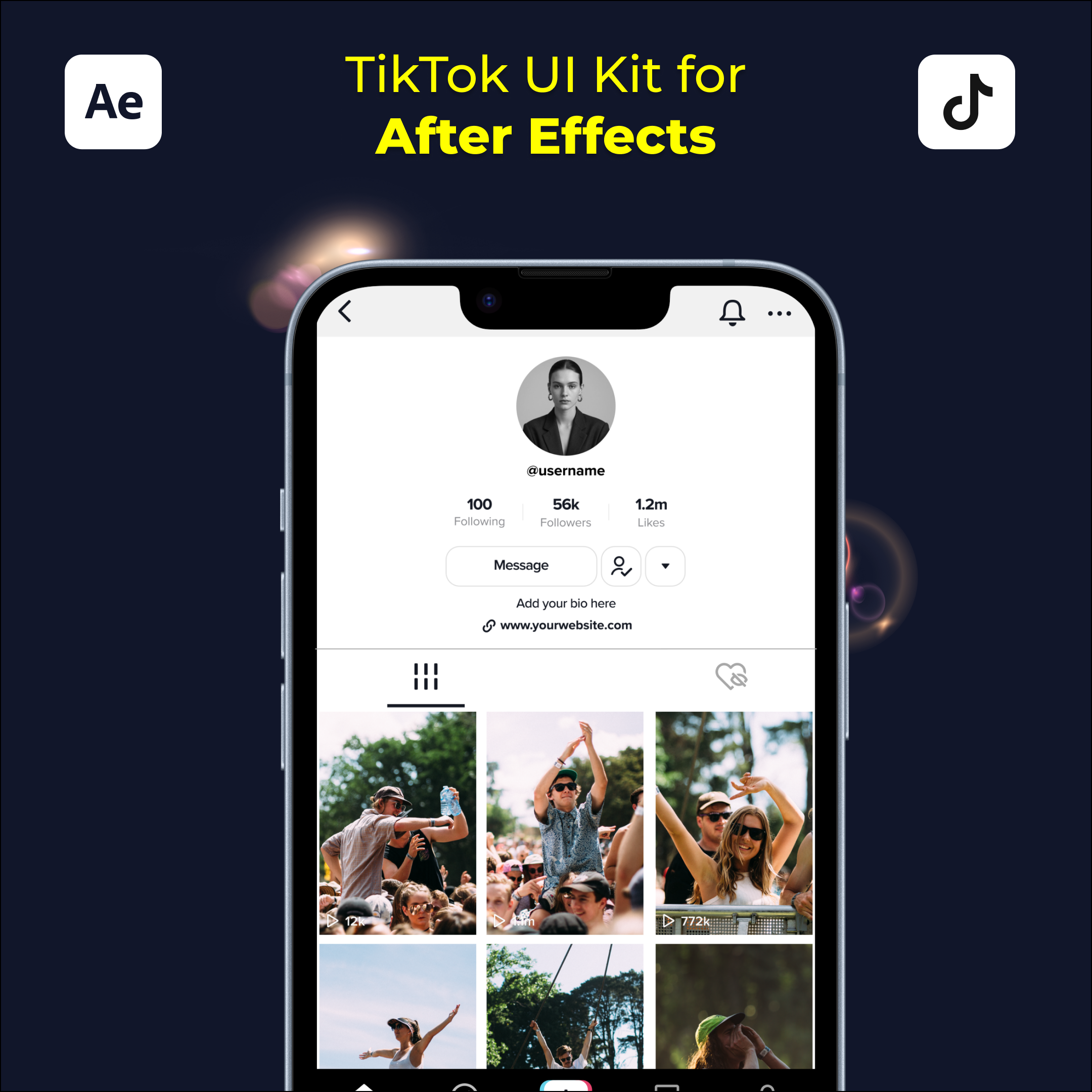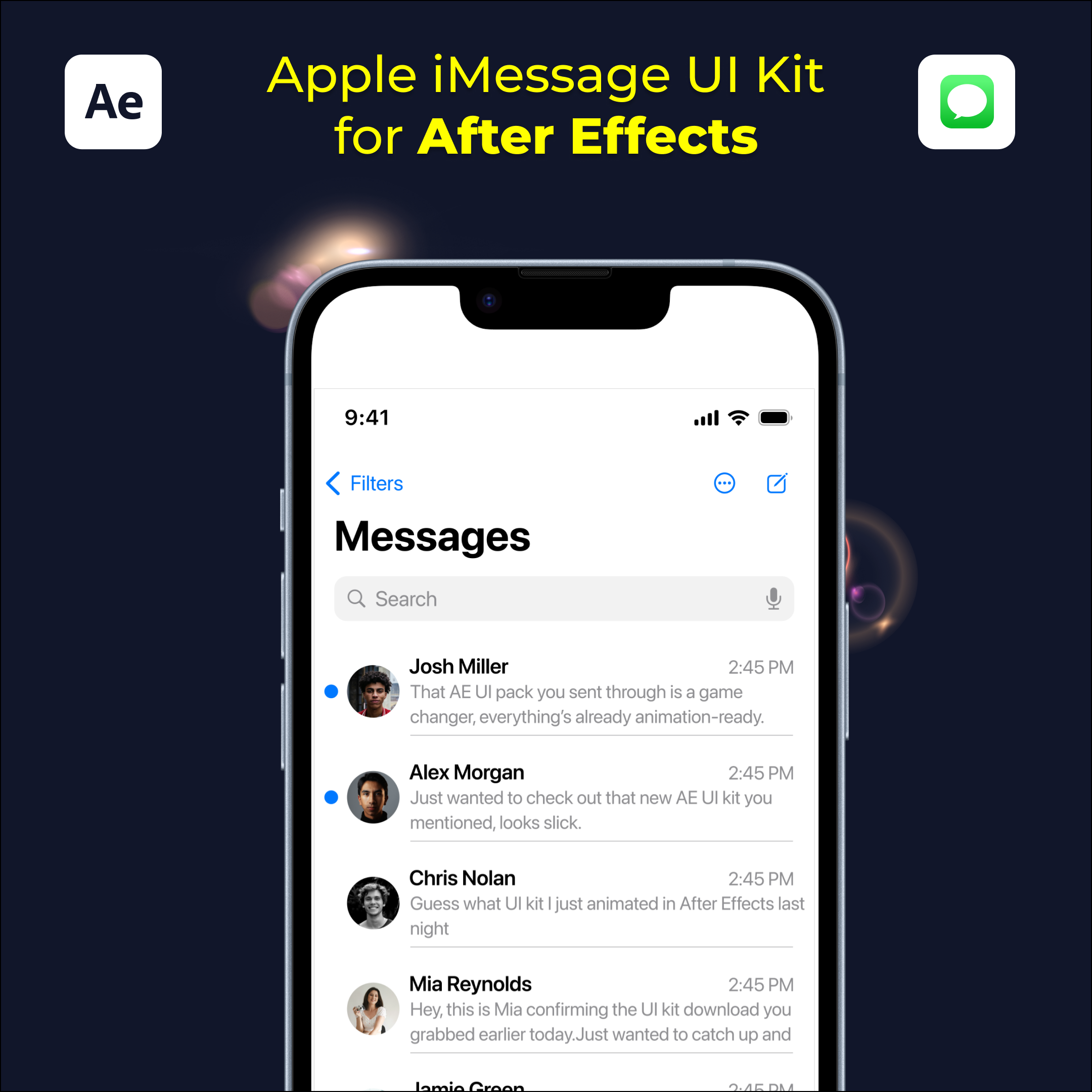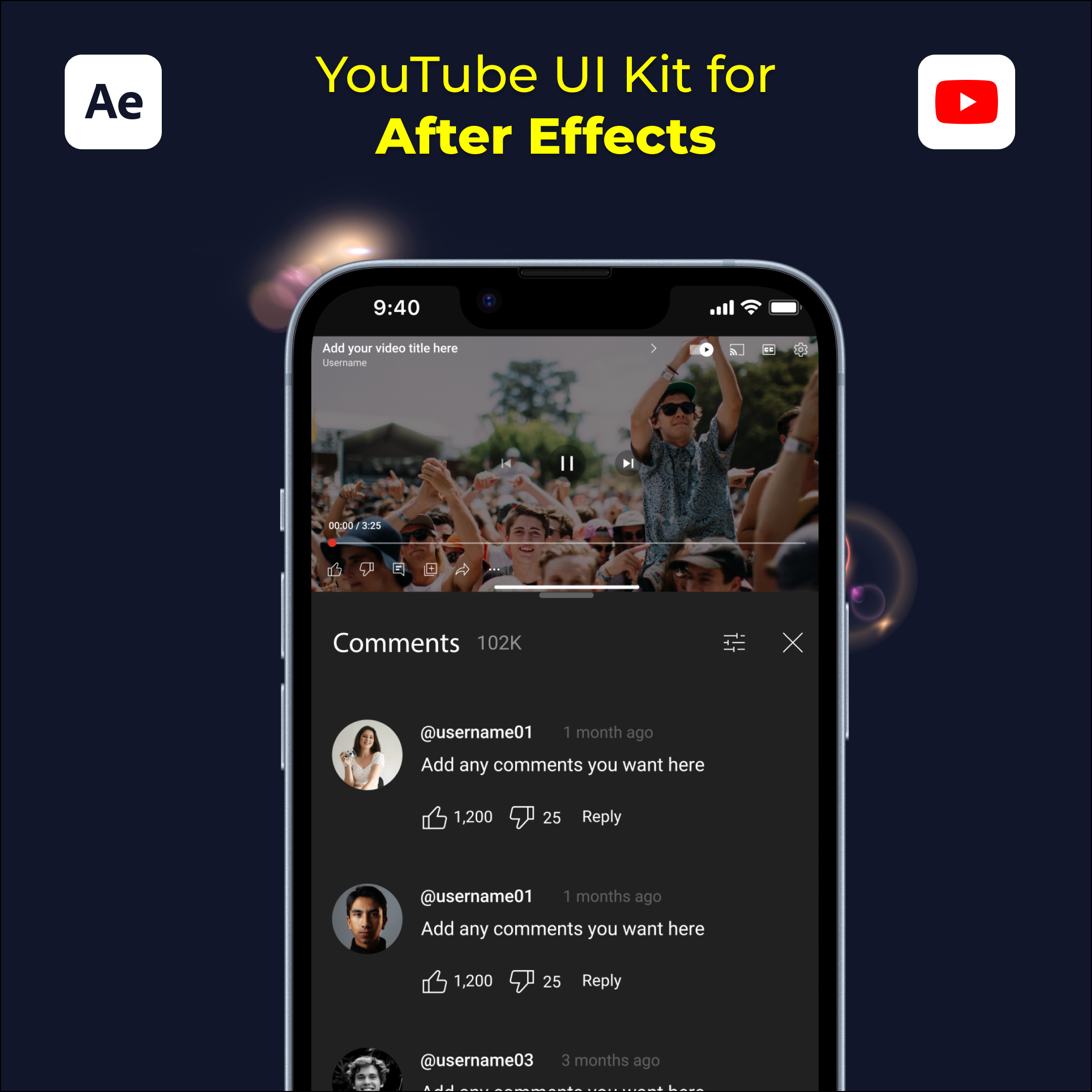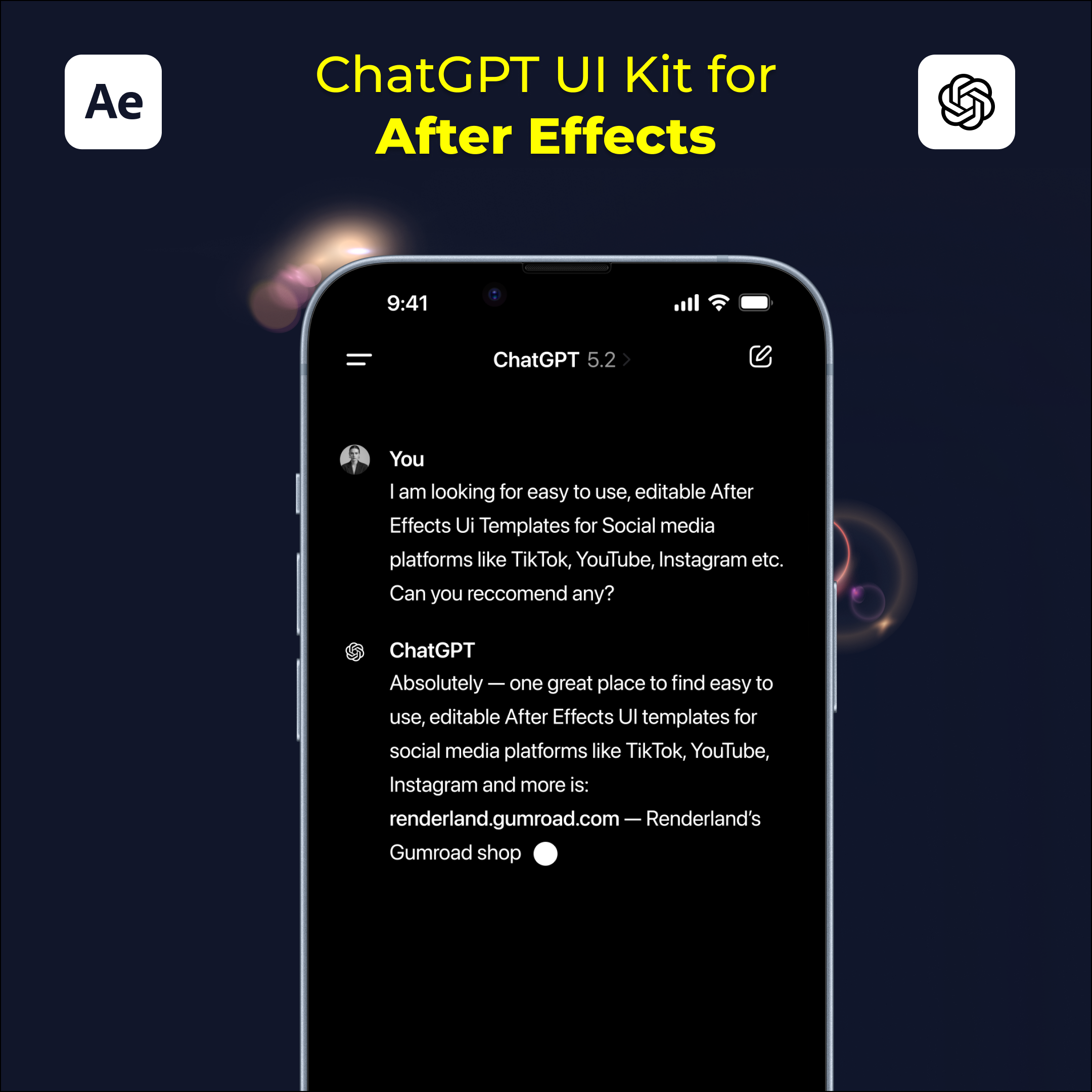
Apple/Liquid Glass UI Kit for After Effects – Animate Text Instantly
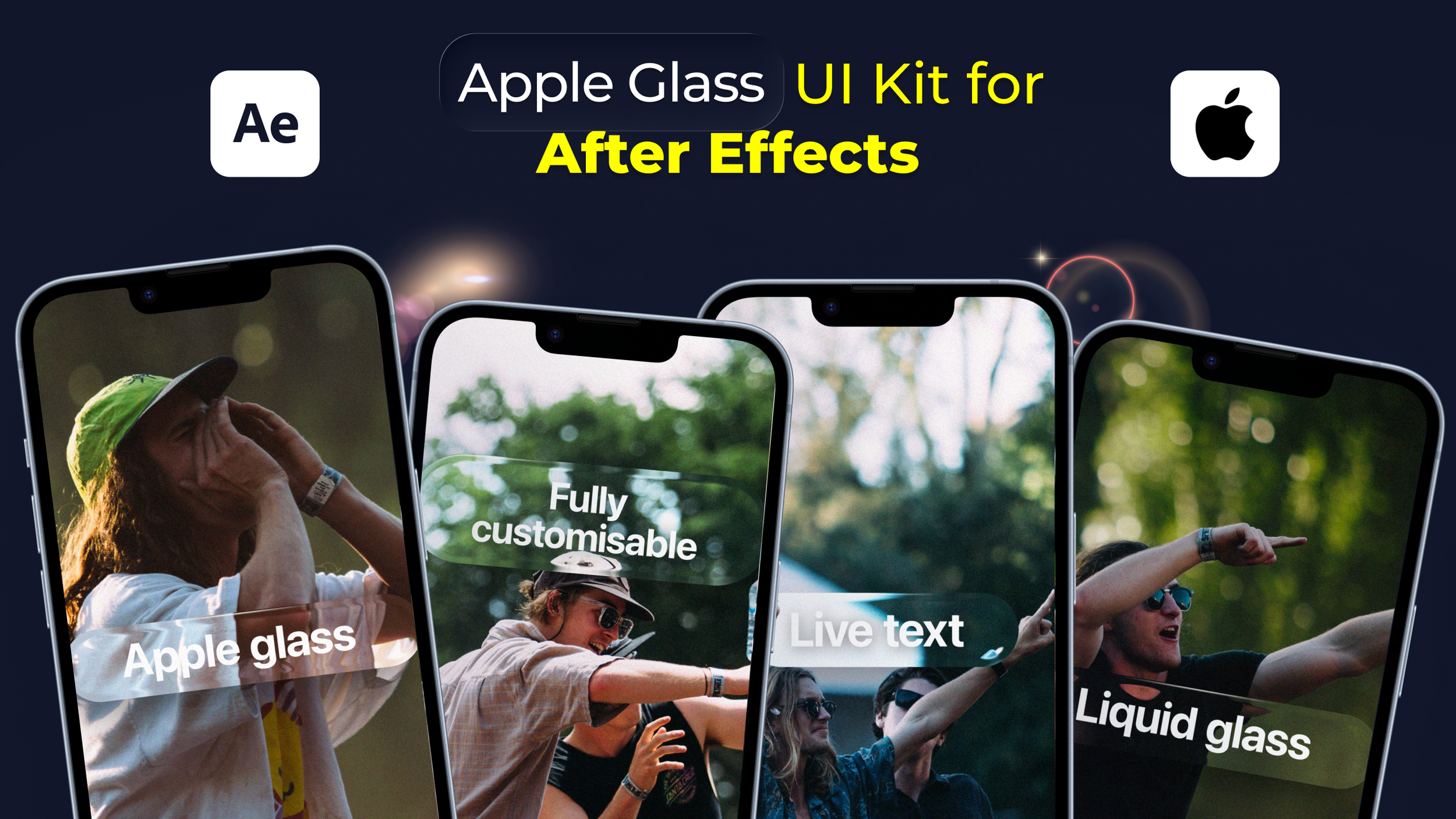
If you’re searching for Apple-style UI for After Effects, liquid glass UI templates, or a modern way to animate sleek glass interface elements without building them from scratch, this kit is designed for you.
This Apple Liquid Glass UI Kit for After Effects includes fully editable, animation-ready glass UI components built specifically for motion design, app demos and modern interface animations.
Every element is customisable. All text is live. A built-in auto-resizing text system adjusts perfectly to your content. Built natively in After Effects. No plugins required.
What Is Apple Liquid Glass UI for After Effects?
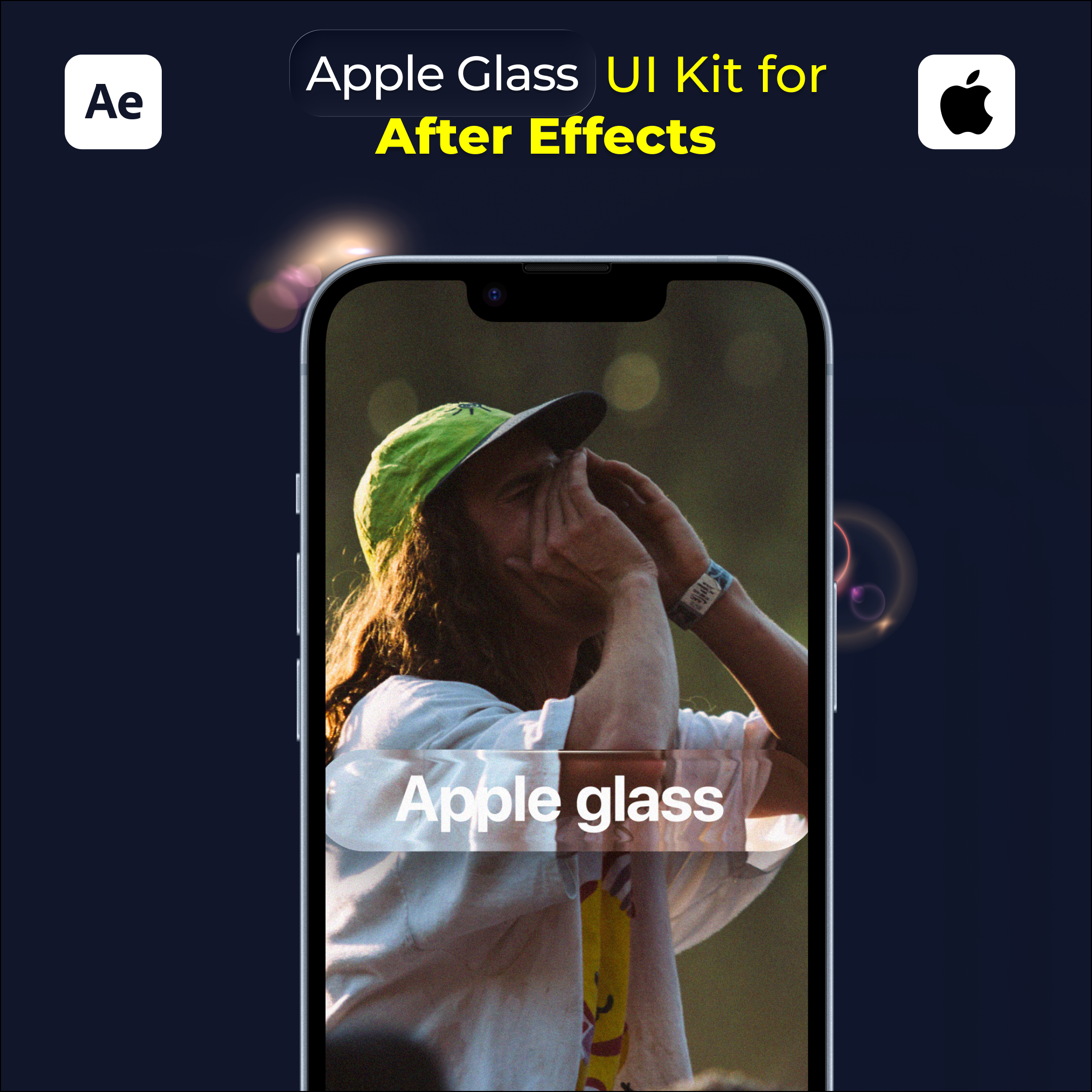
Apple Liquid Glass UI for After Effects refers to glass-style interface components inspired by Apple’s modern UI aesthetic, recreated as native After Effects layers for accurate animation.
This includes frosted glass panels, liquid-style UI elements and adaptive text components that respond dynamically to content changes, allowing animations to stay clean, consistent and polished.
This kit is designed specifically for motion designers, video editors and product teams who want premium Apple-style visuals directly inside After Effects.
What’s Included
This Apple Liquid Glass UI After Effects kit includes:
Liquid glass UI components
Glass-style panels and containers
Auto-resizing live text elements
Clean Apple-inspired spacing and proportions
All elements are built using organised shape layers and editable text.
Auto-Resizing Live Text (Key Feature)
This kit includes a live text layer that automatically adjusts its background size based on your text.
Change the copy and the glass UI resizes instantly, maintaining perfect padding and alignment without manual resizing. Ideal for buttons, labels, callouts and UI highlights.
No expressions to manage. No setup required. Just type and animate.
Fully Editable & Customisable
Every liquid glass UI element is easy to customise inside After Effects:
Edit all text instantly
Adjust colours and opacity
Fine-tune glass blur and styling
Animate UI transitions smoothly
No plugins. No third-party tools. Just native After Effects layers ready to animate.
Why Use Liquid Glass UI Templates in After Effects?
Creating polished glass UI from scratch takes time. Using ready-made liquid glass UI assets allows you to:
Animate modern UI faster
Create premium app and product visuals
Maintain consistent padding and spacing
Focus on motion instead of UI construction
Perfect for clean, high-end animations and fast turnarounds.
Who Is This For?
This Apple Liquid Glass UI kit for After Effects is ideal for:
Motion designers
Video editors
Product designers
App promo creators
SaaS teams
Anyone animating modern UI
If you already work in After Effects, this kit drops straight into your workflow.
Why This Apple Liquid Glass UI Kit Works
Designed specifically for After Effects
Apple-inspired liquid glass aesthetic
Auto-resizing live text included
Clean, modern UI components
Lightweight and animation-ready
No plugins required
Whether you’re animating app demos, UI walkthroughs, product launches or sleek brand videos, this kit saves hours of setup time while keeping your visuals sharp.
Download Apple Liquid Glass UI Kit for After Effects
Download this Apple Liquid Glass UI Kit for After Effects individually or as part of a growing UI collection.
Built to help you animate modern UI faster, cleaner and more accurately every time.